Waiters Overwhelmed at Peak Hours? How Table QR Ordering Systems Boost Restaurant & Café Revenue Without Adding Staff
Table QR ordering helps restaurants & cafés boost revenue without adding staff. Learn how it works, its impact on income, costs, and how to get started.
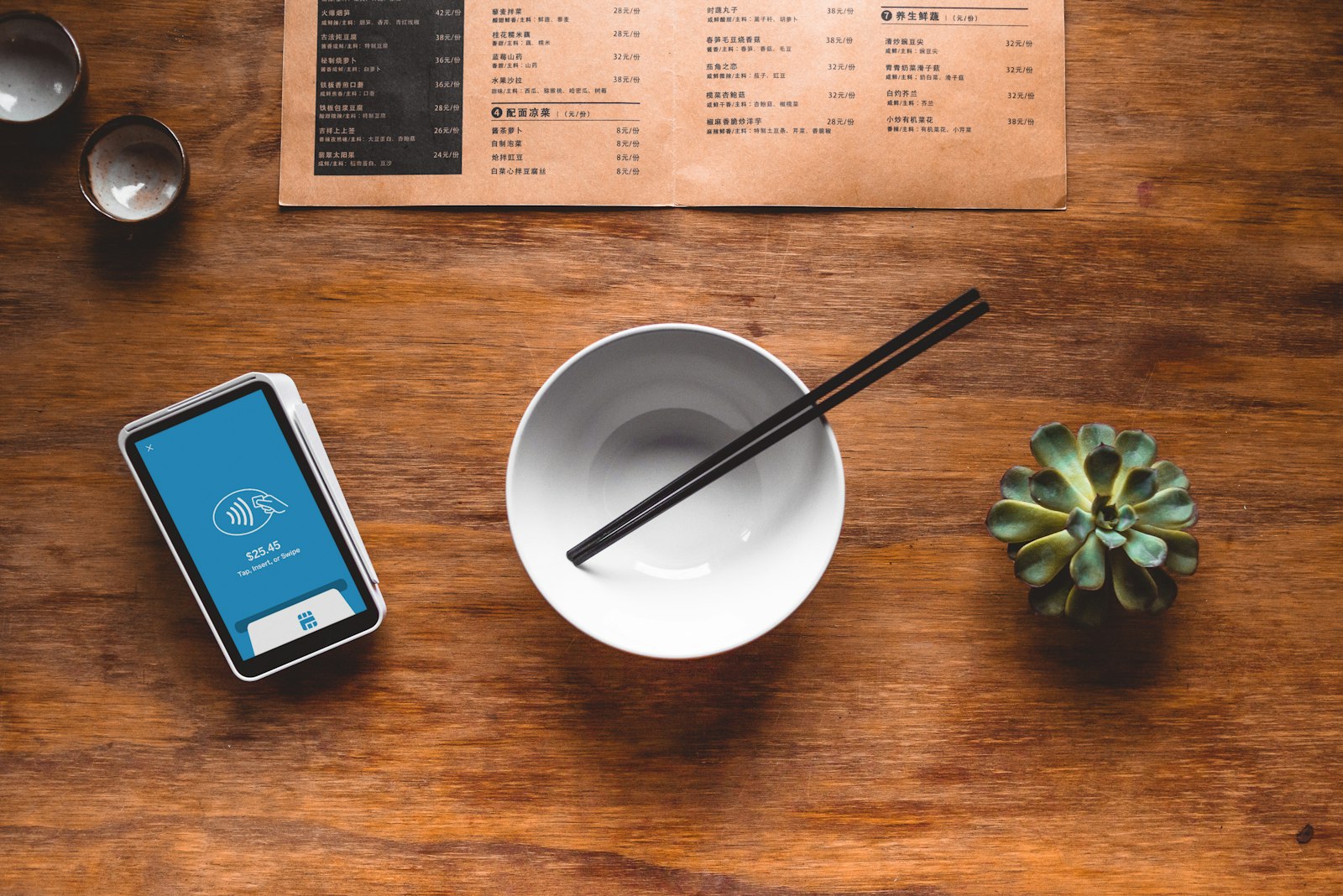
Photo: Clay Banks on Unsplash
Seven in the evening, the café is packed. Waiters run around carrying handwritten order slips, the cashier is swamped by a queue of customers wanting to pay, and in the kitchen someone shouts to confirm an order because the handwriting on the slip is unreadable. I often hear stories like this when working alongside culinary business owners, and the root of the problem is almost always the same: it's not lazy staff, but a manual workflow that can't handle the surge of customers. This is where a restaurant QRIS ordering system — QR ordering at the table — changes how operations work.
Manual Work That Silently Eats Into Revenue
Before talking technology, let's be honest about where revenue leaks in a manual workflow:
- Wrong orders. One misheard order means remaking the dish: ingredients wasted, kitchen time consumed, and customers waiting longer.
- Queues at the cashier. Customers who have finished eating must queue just to pay, while their table can't be filled with new guests right away.
- Overwhelmed staff. Peak hours demand extra people, but recruiting and training new staff takes time — while peak hours come every day.
What makes it worse, all three happen at once precisely at the moment when revenue potential is highest.
How a Table QR Ordering System Works
The flow is simple, and it's precisely that simplicity that makes it powerful:
- Customers scan the QR code placed on the table. The QR digital menu at the table opens instantly in the phone's browser — no app download required.
- Customers choose their items and customize them: spice level, no onions, extra toppings. Everything is recorded exactly as selected.
- Customers pay, usually via QRIS directly from their phone, or choose to pay cash at the cashier.
- The order appears instantly on the kitchen or cashier screen, complete with the table number and customization notes.
The first point deserves emphasis. Many people imagine a food ordering app for restaurants as an app that must be downloaded from the Play Store. In my experience, a web-based approach is far more practical: customers don't need to install anything, and restaurant owners don't need to manage app updates. For QRIS payments, the system needs to connect to a payment gateway — and if you're still choosing a provider, I've covered it in my article comparing Doku vs Midtrans vs WinPay.
Impact on Revenue and Operational Costs
The two questions business owners ask most often: does this increase revenue, and does it cut costs? In practice, both move together.
On the revenue side, two mechanisms stand out the most. First, automatic upselling: as an order nears completion, the system offers toppings, side dishes, or drinks. Customers add them on their own without feeling pushed — something a waiter struggling to keep up can hardly do. Second, tables turn over faster because there's no payment queue; as soon as guests finish, the table can be prepared right away.
On the cost side, the effect is just as clear: wrong orders drop because orders are stored in writing, not spoken; manual order slips shrink; and the need for extra staff just to take orders declines, so existing staff can focus on delivering food and keeping guests comfortable.
The key lesson from projects I've worked on: a QR ordering system isn't a tool to replace waiters, but a way to move administrative work — taking notes, passing them along, tallying them — from humans to the system. The result: staff have time for the things that actually bring customers back — friendliness and speed of service.
Who It Suits and How Much It Costs to Build
This solution isn't reserved for big restaurants. Even a café with a dozen or so menu items can use a café self order system to cut queues at the barista. Office and school canteens are a good fit because buyer surges happen within a short window. Food courts are the most interesting case: one system serves many tenants at once, with orders automatically separated per tenant.
If you've read about the concept of online queue systems for clinics, laundries, and workshops, the pattern is actually similar: replacing physical queues with a digital flow so service capacity is maximized without adding people.
As for the cost of a restaurant QR ordering system, the honest answer: it varies widely, and I deliberately avoid quoting figures because there are many factors. A simple digital menu — just displaying the menu via QR — is far lighter to build than a full system connected to the cashier, kitchen screens, sales reports, and QRIS payments. Other factors at play: the number of menu items and tenants, the need for a backup path when the internet goes down, and the devices in the kitchen, whether a tablet, a receipt printer, or both. You can get a picture of the project scope on our web development services page.
Common Mistakes and the Right Way to Start
From my experience, QR ordering rollouts rarely fail because of the technology — more often because of the implementation:
- The QR only holds a PDF menu. Customers still have to call a waiter. That's a digital menu, not an ordering system.
- The menu isn't maintained. Sold-out items still appear, and customers get disappointed when told the item is out of stock.
- No backup plan. When the internet goes down, the entire flow stops. A good system has an emergency path, such as manual input at the cashier.
- Staff aren't involved from the start. Waiters who feel threatened rather than helped will quietly resist it.
The starting step I recommend: begin small. Set up a simple digital menu on a few tables first, let customers and staff get used to it, then scale up to a system connected to the cashier and kitchen. That way, risk and upfront costs stay controlled, and you can see for yourself which parts need adjusting to fit your outlet's character.
Peak hours should be the moment with the best revenue, not the most nerve-wracking one. If your restaurant or café is starting to struggle when it's full, a table QR ordering system is worth considering — and building it doesn't have to be complicated. At PT Solusi Digital Kreasi, I regularly help businesses design systems that fit their scale, from a simple digital menu to full cashier and kitchen integration. Tell me about your outlet's situation through our contact page, and let's figure out the most sensible first step together.