Still Confirming Bank Transfers Manually via Chat? Why Automated Payments Boost Sales and Cut Admin Work
Manual transfers via chat exhaust admins and leak sales? Real experience switching to automated QRIS payments and payment gateways for small businesses.
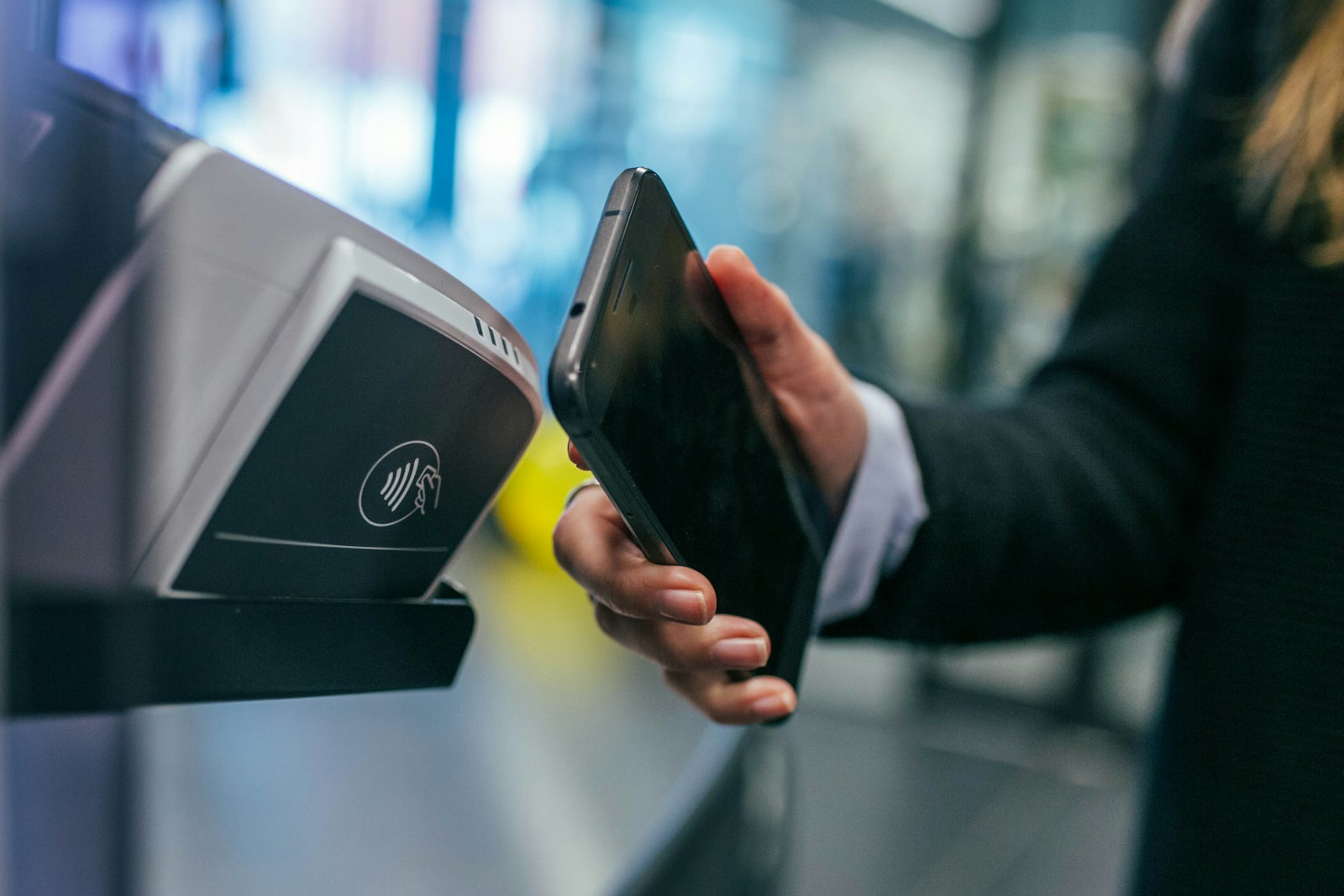
Photo: Jonas Leupe on Unsplash
Remember the same nightly ritual, day after day: open your mobile banking app, scroll through transfer statements, match amounts against incoming orders, then type confirmations one by one in chat. "Hi, your payment is verified, your order is being processed." If you only get five orders a day, it might still feel manageable. But once transactions start picking up, this work becomes a burden that quietly holds back your business growth. In one project I handled, the business owner admitted spending two to three hours a day just matching transfers — and that doesn't even include mismatched transfers or proof of payment sent late.
The hidden costs of manual transfer confirmation
The problem with manual transfers isn't just exhaustion. There are several "leaks" that rarely get counted:
- Wrong transfers and wrong matches. Identical amounts from two different buyers force the admin to guess, and a wrong guess means the money came in but the order went to the wrong person.
- Fake completions. It's easy enough to fabricate a transfer receipt that looks real, or to transfer and then cancel it through certain features. Small businesses often lack a strict verification process.
- Admin time wasted on repetitive work. Hours that should go to following up with potential buyers or improving products get spent copying account numbers and typing "thanks for your payment."
- Sales lost outside office hours. A buyer transfers at night, waits for confirmation until morning, then moves on to another store with instant processing.
When I ran the numbers with the business owner, the most painful part wasn't the admin work — it was the orders canceled because buyers ran out of patience waiting for verification.
How automated payments work (without the technical jargon)
Picture a simple flow: the buyer clicks "Pay" on your website or app, and payment options appear — QRIS to scan from any bank app or e-wallet, a virtual account for bank transfers with a unique number, or e-wallets like GoPay and OVO. Once the buyer pays, the payment system (called a payment gateway) immediately tells your website: "order number 123 is paid." The order status updates automatically, the buyer gets instant confirmation, and the admin touches nothing.
The key lies in the virtual account number that's unique to each transaction — so there's no more guessing who owns that Rp150,000 transfer. For choosing a provider, I've written a practical comparison in an article on choosing a payment gateway: Doku vs Midtrans vs Winpay that can serve as a starting point before you decide.
The direct impact on revenue
The most noticeable change after migrating to automated payments usually isn't the more relaxed admin — though that's real — it's the checkout speed. Buyers no longer need to: chat → ask for an account number → transfer → screenshot → send the screenshot → wait for confirmation. Just pay, done. Every step removed from the payment flow reduces the chance of buyers dropping off halfway.
Another often-forgotten impact: you can sell 24 hours a day. An order coming in at 11 p.m. gets verified instantly without you waking up. For businesses with easily comparable products (vouchers, digital products, ready-stock items), this speed is often the main differentiator from competitors.
The key lesson I took from these projects: automated payments aren't just a convenience feature — they're a sales machine that works while you sleep. Every minute a buyer needs to complete payment is a chance for them to change their mind.
Is it time yet? Signs your business is ready
Not every business needs to rush. But these signs usually mean it's time:
- Incoming transactions exceed five to ten per day and your admin is starting to get overwhelmed.
- Transfer matching errors happen often, or there are "I've paid" claims that don't show up in your statement.
- You want to sell through your website and accept payments outside operating hours.
- Buyers frequently ask "why hasn't my payment been confirmed?" in chat.
If three of these four points feel familiar, online payment integration is no longer a consideration — it's a necessity.
Getting started: what to prepare and who holds the access
The preparation isn't as complicated as you might think. What you need:
- A website or app that can already accept orders (cart, checkout page). If not yet, that's the first stage to work on.
- A payment gateway account and basic business legality — an NIB (business identification number) and the owner's identity documents are usually enough to get started, including QRIS activation.
- One person who holds dashboard access — important: don't hand over full merchant dashboard access to your developer. The business owner must keep control over fund disbursement and transaction data.
- Integration time — for a website with a well-structured checkout, payment gateway integration can generally be completed within a few working days, including sandbox transaction testing before going live.
I once worked on a similar implementation for the Sabira classified ads platform, where automated payments became the backbone of the ad publishing flow with no manual confirmation at all. Details of the web development and integration services I provide can be found on the services page.
If you're starting to feel burned out checking bank statements and typing confirmations in chat every day, that's a clear enough signal. Tell me about your business situation through the contact page, and we can discuss the payment flow that makes the most sense for your current business stage — without being forced to build everything at once.