Customers Often Pay Late? Why Automated Invoice & Collection Apps Help Your Cash Flow Faster
Late receivables disrupting your cash flow? Learn how invoice and automated collection apps speed up payments and organize your receivables data.
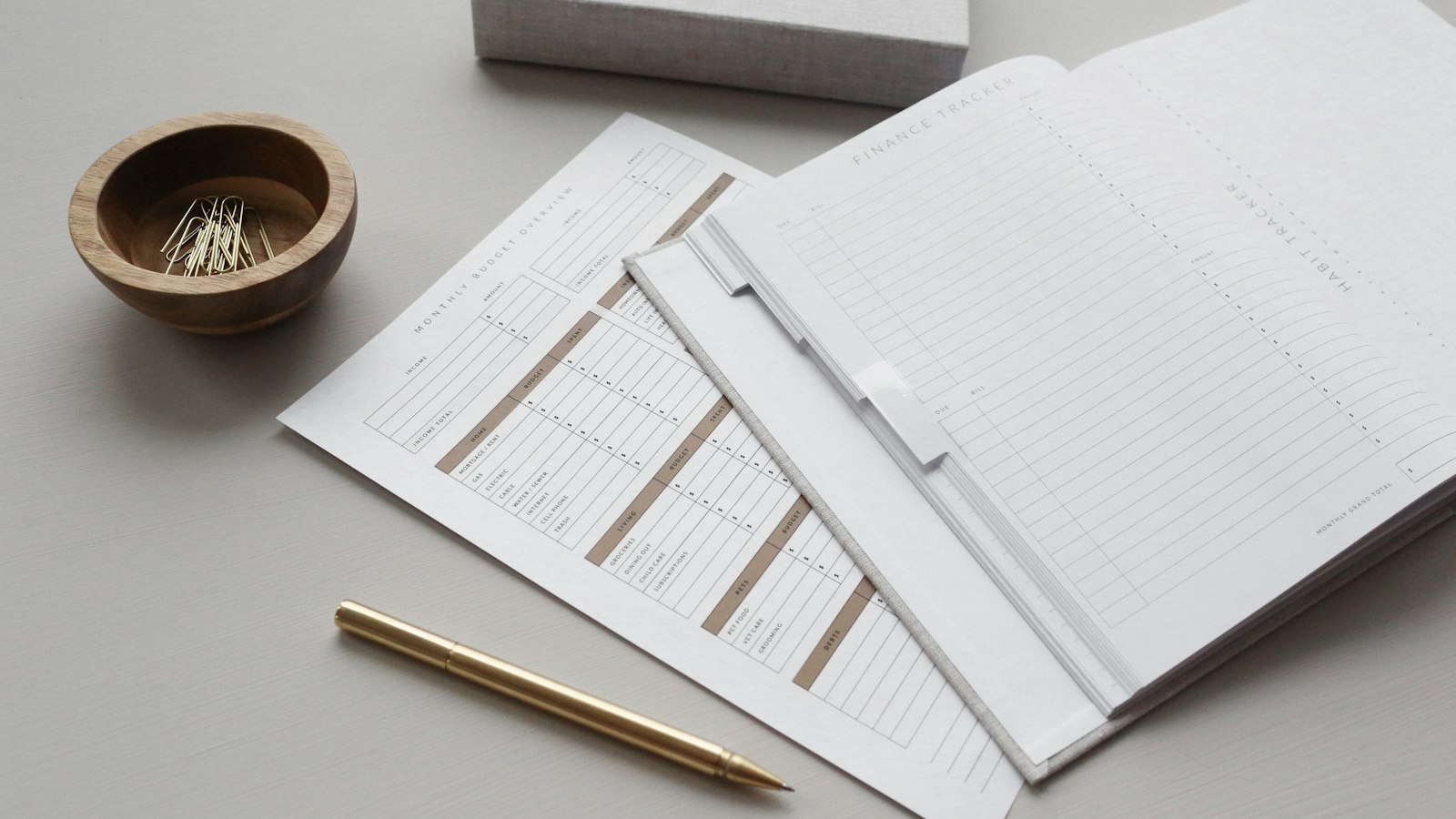
Late-paying customers are a classic problem that almost every business owner experiences, but one that's rarely discussed honestly. The invoice has been sent, the goods or services have been delivered, but the money hasn't come in. Worse still, sometimes we ourselves forget who we've already invoiced and who we haven't. I've seen this pattern repeat in many small businesses: cash is always "a bit tight", even though sales are brisk. Often the root cause isn't low revenue, but receivables that aren't handled properly. In this article, I want to discuss why manual invoicing becomes a huge hidden cost, and how invoice and automated collection apps can make your cash flow faster.
The hidden costs of manual invoicing
Manual invoicing looks free, but it's actually expensive. The cost doesn't show up in financial reports, but it's clearly felt in three forms.
First, admin time. Every invoice created through Word or WhatsApp takes time to write, copy data, send, then check whether it's been paid. If you have dozens of customers with different payment terms, this can eat up working hours every week.
Second, missed invoices. Humans forget. One invoice that's forgotten to be sent can be delayed for weeks, and the customer doesn't even feel guilty because they never received an official invoice.
Third, receivables that aren't properly recorded. When receivables data is scattered across chats, handwritten notes, and the business owner's memory, you don't have a clear picture: who owes how much, since when, and which ones are already overdue. Without this picture, business decisions like giving looser payment terms or holding the next shipment become pure guesswork.
Signs your business needs a proper invoicing system
A few simple questions can serve as indicators. Have you ever found an old invoice that turned out to be unpaid and was never followed up? Do you struggle to answer "what's my total receivables today" in less than five minutes? Does your team often remind customers manually one by one via chat?
If the answer is "yes" to even one of these, it's a sign your collection process has outgrown manual methods. This isn't about big or small businesses — even a business with five customers can get overwhelmed if payment terms vary and there's no recording system.
How an invoice app works: from billing to paid status without chasing
The principle is actually simple, and it's precisely this simplicity that makes it valuable.
When a transaction is completed or a payment term is due, the system automatically creates an invoice with data that's already stored — customer name, item details, amount, and due date. No need to retype, no risk of wrong amounts.
Then reminders run on their own. The customer receives the invoice, followed by automatic reminders before and after the due date. This is the part that most often changes payment behavior: many customers don't pay late out of bad intent, but because there's no clear and scheduled reminder. Polite and consistent automatic reminders prove far more effective than a one-time invoice that's simply expected to be paid.
Finally, payment status updates itself. You don't need to guess or check bank statements one by one — the invoice status changes from "unpaid" to "paid" without you chasing it.
Payment gateway integration: customers just click to pay
One of the most overlooked causes of late payment is friction in the payment method. If customers have to transfer manually, photograph the transfer receipt, send it to you, and you verify them one by one — each of those steps is an opportunity for delay.
With payment gateway integration, the invoice sent to customers has a pay button. Customers can pay via bank transfer, virtual account, or e-wallet depending on what's available. Once the payment succeeds, the status is automatically recorded in the system. No transfer receipts lost in chats, no manual verification.
If you're considering which gateway suits your business, I've covered the comparison in an article about choosing a payment gateway between Doku, Midtrans, and WinPay. Choosing the right gateway from the start will save you a lot of revisions later.
Key lesson from my experience: late collections are usually not because of problem customers, but because of a problem process. Fix the process, and most "late-paying customers" will resolve themselves.
How much it costs and how to start without disrupting operations
A fair question: is it worth the cost? The way to calculate it is simple — compare the cost of the system with the value of admin time spent on manual invoicing, plus potential receivables that are delayed or lost because they weren't recorded. For most businesses with more than a few active customers, an automated system pays for itself quickly.
As for implementation, I always recommend a phased approach. Start with your existing customer and product data, create an invoice template, activate automatic reminders for new customers first, then migrate old receivables. Everything doesn't need to change overnight. If you want to know how our app development process works, from understanding requirements to handover, everything is explained transparently so you know what's being built. For common questions about costs and timelines, the FAQ page can be a good concise starting point.
If late payments have become a routine pattern in your business, don't wait until cash is truly squeezed. Tell me about your current collection situation through the contact page — we can discuss first with no commitment, and I'll give you an honest assessment of whether an invoice and automated collection system is really the right solution for you, or whether there's actually a simpler step to start with.