Why Your Office WiFi Is Slow or Keeps Dropping? Network Problems Business Owners Often Overlook
Is your office network often slow or keeps disconnecting? Learn the root causes, when a redesign is needed, and how to choose the right office network repair service.
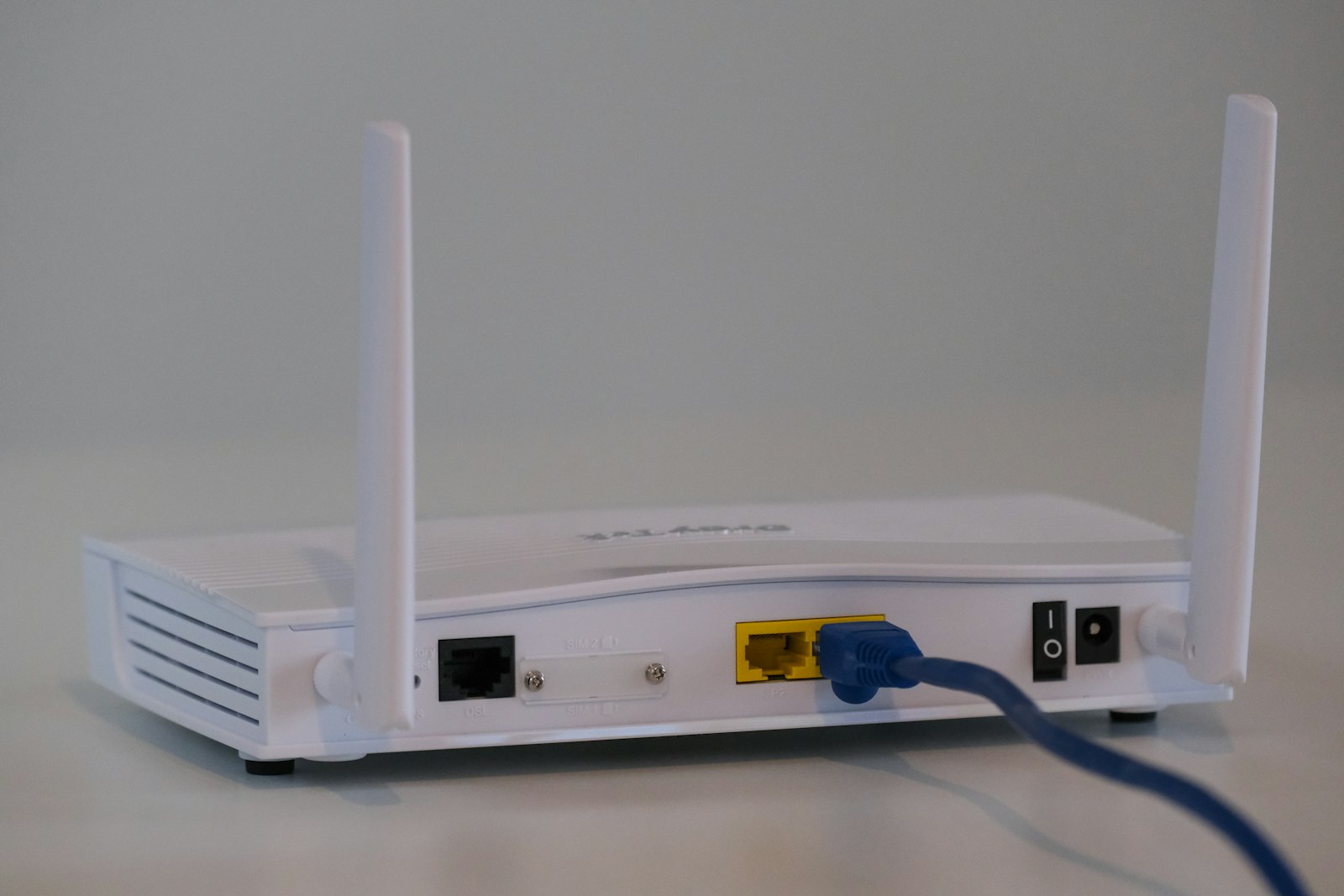
Most business owners only realize there's a network problem when things start to stall: the POS system responds slowly, video meetings freeze constantly, or the team shouts "the internet is down again!" Yet often the internet subscription itself isn't the issue — the problem lies within the office network itself. A home-grade router serving twenty devices, cables installed haphazardly, and WiFi signals interfering with each other. I wrote this article based on my experience handling cases like these, so you can recognize the warning signs early and avoid losing working hours to a problem that is actually preventable.
Signs your network has a problem (not just slow internet)
First, distinguish between two things that are often confused: the internet connection from the ISP and the office's internal network. If everyone is slow at the same time every day, the ISP's bandwidth is probably maxed out. But if the symptoms look like this, the problem is most likely inside:
- WiFi works great in one room but keeps dropping in the next
- Devices are connected but can't access the printer or local server
- Speeds are good when tested near the router, but plummet at work desks
- A device is "stealing" the connection, causing everyone else to lag
- The internet goes down completely whenever someone unplugs a cable at one point
That last symptom is classic: there's usually a cheap switch or a cable twisted together without proper standards, so one problem point brings everything down.
The root causes I encounter most often
In SME and mid-sized company offices, the pattern is almost always similar. First, equipment that doesn't match the scale: a single all-in-one router forced to serve dozens of devices. Second, WiFi installed without a site survey, resulting in dead zones and channels that clash with the neighbor's WiFi. Third, network cables installed just to get the job done — often by the electrician at the same time — with no labeling and no attention to cabling standards. Fourth, no network segmentation: guests, employees, and POS devices all sit on the same network. Fifth, and the most overlooked: no documentation. When a problem occurs, nobody knows which cable goes where.
The most important lesson I've learned from handling various network cases: the problem rarely lies in a single "broken" device, but in a design that was never properly planned from the start. Quick fixes only delay the same problem from resurfacing.
When optimization is enough, and when a redesign is needed
Not every case requires a complete overhaul. If the basic topology is reasonable, optimization may be enough: replacing the router with a more capable one, adjusting channels and signal strength, separating employee and guest SSIDs, or updating firmware. But a network redesign should be considered if:
- The office spans more than one floor and the signal relies on stacked "repeaters"
- The installed cables are unlabeled and undocumented
- The POS, attendance, or CCTV systems frequently fail without any clear pattern
- Every time a fix is made, a new problem appears somewhere else
A healthy network is like tidy electrical wiring: you rarely think about it, because its job is to go unnoticed.
Case study: a multi-floor office where "the internet is always to blame"
One of the projects I reference most often is a network build for an office spread across several floors. The complaint was typical: the top floor complained of slowness, the bottom floor was fine, and the operations team kept blaming the internet. After inspection, it turned out it wasn't the internet — but the signal distribution and cable endpoints that had never been mapped since the office was first built. The approach wasn't to immediately buy new equipment, but to start with mapping and a signal survey, then reorganize the access points and cabling according to each area's needs. If you're curious about the step-by-step process, I've written about it in full in multi-floor office network case study.
Checklist for choosing a network service provider you can trust
Before signing with anyone — including us — check these things first:
- Survey first, quote later. A serious provider won't offer a price before seeing the site conditions.
- Documentation of the work. You should receive the cable map, device list, and configurations — not just "it's all done."
- Explanations you can understand. If the technician can only answer in jargon, you'll struggle when you need help later.
- A clear maintenance scheme. Ask what happens if a problem arises six months down the line.
- Proportionate equipment recommendations. Be wary if what's offered is always the most expensive — or, conversely, the cheapest without justification.
Costs vary widely because they depend on the area size, the number of points, the condition of existing cabling, and equipment specifications — which is why a site survey is the mandatory first step. To see the scope of our services, from installation to network setup for SMEs, please check out Solusi Digital Kreasi's service list.
Don't wait until operations come to a halt
The most expensive network problem isn't the repair cost, but the lost working hours and the customers left waiting. If your office WiFi is frequently slow or dropping and "restarting the router" no longer helps, that's a sign it needs to be taken seriously. Tell us about your network's condition through our contact page — I'll help you assess whether your case only needs optimization or a full restructuring, with honest explanations and no confusing jargon.