Case Study: Fixing a Messy Multi-Floor Office Network — from Sluggish Connections to Smooth Operations
A real-world case study of a multi-floor office network overhaul: from sluggish connections and tangled cables to a tidy infrastructure that supports business operations.
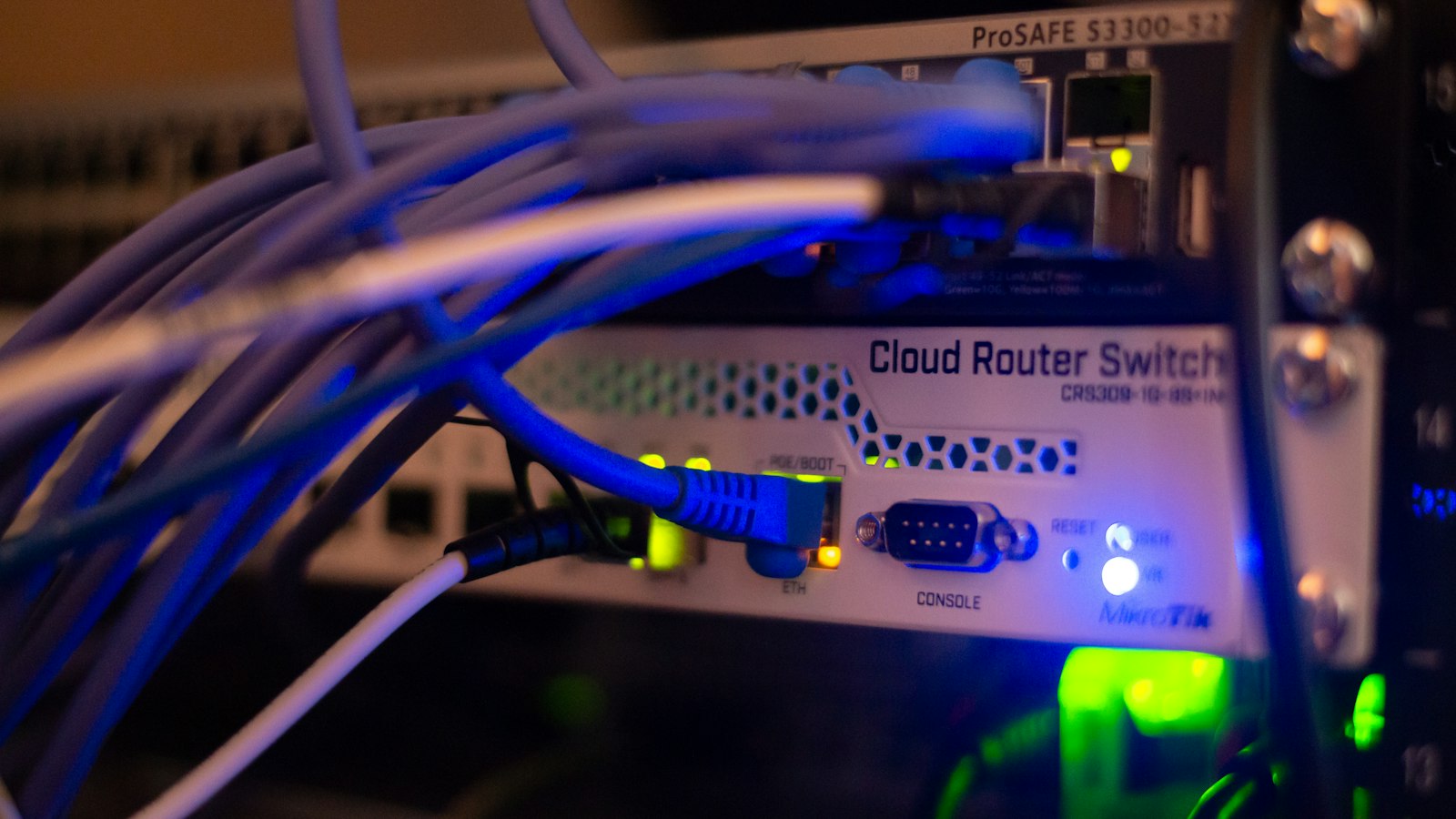
An office network is often the "invisible assistant" whose existence is only noticed when something goes wrong. When the connection runs smoothly, everyone works without thinking about it. But once video calls keep breaking up, the file server becomes slow to access, and the WiFi on the second floor stops working, team productivity quietly erodes. In this article, I want to share my experience handling a multi-floor office network improvement project — from the initial messy condition to operations that finally ran smoothly. I'm writing it as it is, including the non-instant process, so that those of you facing similar problems have a realistic picture.
Signs that the office network has become an operational bottleneck
Usually the problems don't appear all at once, but creep in slowly. Some symptoms I frequently encounter:
- WiFi is slow or keeps dropping in some areas of the office, while it works fine in others.
- Employees start using personal hotspots "so their work runs smoothly" — this is a red flag, because company data ends up flowing through personal networks.
- Video meetings frequently buffer, especially during peak hours.
- There's an old device that, when used, slows down other devices too.
- The server room or network panel is full of unlabeled cables, and nobody knows which cable connects to what.
If two or more of the symptoms above happen regularly, the problem is most likely not just "slow internet", but a network design that no longer matches the office's current needs.
Case study: the initial condition of a messy multi-floor office network
The office I handled had two floors, with a team that kept growing. The network had grown organically: every time a new employee or new device was added, someone would add a switch or access point in an ad-hoc way. The result was predictable — cables stretched across the ceiling without labels, cheap access points scattered around with no channel planning, and one old switch becoming the main bottleneck.
The complaints I heard during the initial audit were consistent: slow connections on the upper floor, slow file transfers between computers, and whenever a network problem occurred, nobody knew where to start checking. What made the situation even more complicated was that some important devices, such as the network printer and the NAS, would sometimes "disappear" from the network without any clear reason.
This is a very common pattern in small and medium offices: infrastructure is built piecemeal without documentation, until it eventually piles up into a big problem.
The improvement approach: audit, redesign, and phased installation
My first step was not to immediately buy new equipment, but to conduct a thorough audit: mapping the existing topology, checking the quality of cables and connectors, measuring WiFi coverage per area, and identifying bottlenecks. From this audit, it became clear that the main problems were threefold: old cables and switches that couldn't support the required speeds, carelessly placed access points, and the absence of network segmentation.
After that, I put together a redesign plan: the backbone cables between floors were replaced, access points were repositioned based on a signal survey, devices were grouped (office, printers, guests) so that one problematic device wouldn't drag everything down, and all cables were labeled with simple documentation.
The key point: the installation was done in phases outside working hours and on weekends, so office operations wouldn't stop. Each phase was migrated one at a time, tested first, and only then did we move on to the next phase. This process took longer than "shut everything down and install new", but for an active office, it was the only sensible way.
If you'd like to see the final result visually along with the detailed steps, I've written it up in full on our multi-floor office network portfolio page.
Results after the network was fixed: what changed
The most noticeable change wasn't the speed numbers on a speedtest, but everyday things:
- Video meetings run stably on both floors without employees having to change seats.
- File transfers to the server/NAS became fast and consistent, no longer "sometimes works, sometimes doesn't".
- The network printer and shared devices no longer disappear from the network.
- When issues arise, technicians can immediately know which cable needs checking because everything is labeled and documented.
- Employees stopped using personal hotspots, which means company data is back on a controlled path.
From a management perspective, the benefits are more abstract but real: no more work time lost waiting for a connection, and no more debates about "is the internet really slow or is it the computer" because there's now a clear baseline.
Lessons for business owners: when to call a network expert, not just the office "IT person"
An office network is infrastructure, not makeshift tools. If the problem already involves design, cabling, and coverage across floors, patchwork fixes by non-specialists usually just delay the problem — while piling up technical debt that becomes increasingly expensive to fix.
The office "IT person" is usually good on the user side: install software, set up accounts, done. But multi-floor network problems demand a different skill set: signal surveys, choosing the right equipment, standard-compliant cabling, and documentation. If network complaints have been recurring monthly and patchwork fixes no longer work, that's the time to consider professional help. We provide office network installation and repair services covering everything from audits to final documentation, so you don't have to start from scratch.
What's the investment range and the next steps
To be honest: the cost depends heavily on the initial condition — the size of the area, the number of floors, the condition of existing cabling, and how many devices need replacing. What I can say for sure is that it's almost always cheaper than the productivity lost every month due to network problems, especially when calculated over a year.
The next step is simple: start with an audit. From there, you'll know where the problem is, what needs to be replaced, what's still worth keeping, and what the realistic cost range is — not guesswork.
If your office is experiencing the symptoms I mentioned above, don't wait until the network completely breaks down in the middle of a deadline. Contact us through the contact page, tell us about your office's condition, and let's start with an honest audit — sometimes the solution is simple, sometimes it requires a complete redesign. What matters is that the decision is based on data, not guesswork.