Service Orders Keep Getting Lost in Chat? Why a Technician Scheduling App Saves Your Service Business Revenue
Losing service orders in chat leaks your revenue? Learn how technician scheduling apps work, key features, and costs for your service business.
Have you ever opened WhatsApp late at night and realized a customer sent an AC service request three days ago—and it's still unanswered? Or a technician is already on the way to a customer's address, only to find out that slot was double-booked with another order on the same day? If so, you're not alone. From my experience working alongside several service business owners, almost all of them started the same way: orders come in via chat, get noted in a notebook or sticky notes, and schedules are pieced together from memory. This system works fine when orders are still few. But once daily orders start picking up, the chat that used to be your weapon becomes the very hole where revenue quietly leaks away.
Losses That Don't Show Up in Your Financial Reports
The biggest problem with chat-based management isn't just the "mess". The losses often go unrecorded, so they're never counted. There are orders that come in during peak hours but get buried under other messages. There are customers who get frustrated waiting for confirmation and end up calling a competitor. There are technicians who sit idle in the morning because the schedule isn't ready, then get overloaded the next day.
Speaking of leaks, I once wrote about online queue systems for clinics, laundromats, and workshops —the principle is the same: every order that isn't clearly confirmed is a lost opportunity. The difference is, in a technician service business, these leaks happen more often because schedules spread across many days and many technicians, not just a daily queue.
How a Technician Scheduling App Works
Simply put, a technician scheduling app moves your entire scattered workflow into one place:
- Centralized incoming orders — whether from a booking form, messages entered by an admin, or phone calls recorded on the spot.
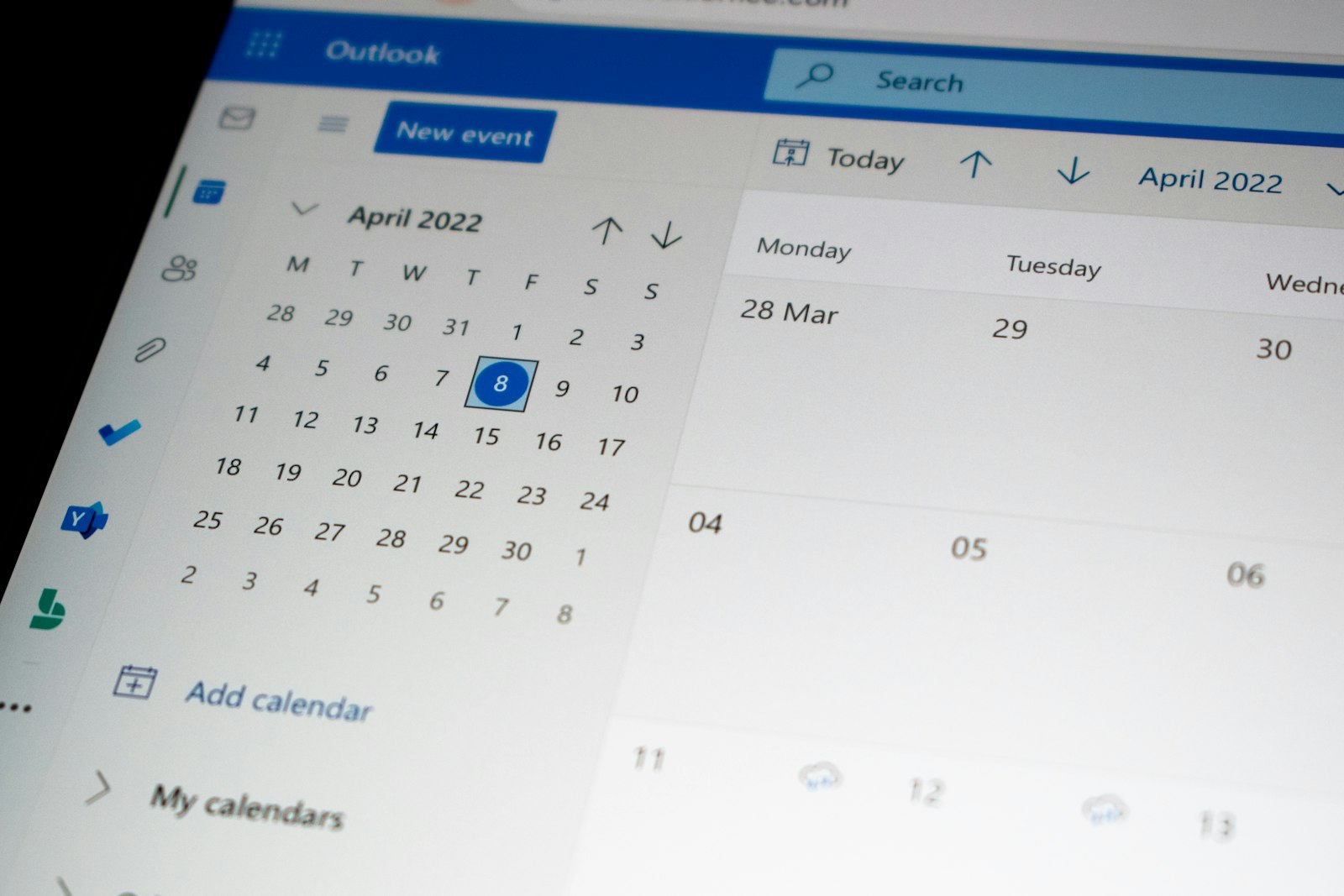
- Visual scheduling — admins see a calendar per technician, so schedule clashes are spotted before they happen, not after technicians complain.
- Work status — from "received" → "scheduled" → "in progress" → "done", everything is tracked. No more arguing over "who's handling this order again?"
- Customer history — technicians know what service a customer's unit had and when. This is gold for repeat services and building customer trust.
What I find most impactful isn't the features, but the peace of mind. Admins no longer scroll back and forth through chats, and technicians simply open the app in the morning to see today's tasks complete with addresses.
Features You Actually Need (and Ones to Skip)
Many business owners fear that an app = expensive. In reality, ballooning costs usually don't come from the app itself, but from building every feature all at once. For small-to-medium businesses, the core features you must have are: order management, scheduling per technician, simple notifications, and customer history.
What can wait: payment gateway integration, a separate customer app, super-advanced dashboard reports, or real-time GPS tracking. Start with what solves real daily problems. Once the foundation is running and the team is comfortable, extra features can follow gradually. This is the same approach I applied in projects like a heavy equipment transportation app: start with the core workflow that operations actually use, not a feature list a mile long.
A successful app isn't the one with the most features, but the one technicians and admins consistently use every day without drama.
Cost Structure and Development Timeline
For small-to-medium businesses, there are two common schemes. First, building a custom app—development time is usually measured in weeks to a few months depending on complexity, with a one-time cost plus annual maintenance fees. Second, using an off-the-shelf solution with a monthly subscription—fast, but often a poor fit for your business's specific workflow.
I'll be honest here: I can't give you exact numbers without knowing your needs, because the number of technicians, branches, and required features make a big difference. What I can guarantee is that this investment usually pays for itself through orders that no longer slip through the cracks and admin time that can be redirected elsewhere.
Signs Your Business Is Ready to Move Beyond Chat
Some signals I find pretty clear:
- Daily orders have exceeded what you can remember "with confidence".
- A customer has complained because a technician didn't show up or showed up twice.
- You or your admin struggle to answer simple questions like "is Mr. Budi's order from yesterday done yet?"
- You realize you have no data on how many repeat services are actually revenue opportunities.
If three of those four points feel familiar, don't wait until the busy season—that's usually when the old system collapses the hardest.
Getting Started: From Workflow Mapping to Handover
The process doesn't have to be complicated. The first step I always ask of prospective clients: write down your current order flow, from the customer's first message to completed payment. From there, we identify which points tend to leak, then design the workflow in the app. After that, development proceeds in stages with testing alongside your team, so technicians and admins aren't caught off guard at handover.
If you'd like to start discussing an app for your service business—whether AC servicing, electronics, or another field—feel free to reach out to me via the contact page. Tell me about your business flow first, and we'll find the most sensible solution, not the most expensive one.